Getting started
From opening the app to your first automatically-controlled ride.
-
1. Create an account
Open the app and register with your email and a password — no username, no separate sign-up steps.
-
2. Pick a workout
Choose from five ready-made templates (Endurance, Sweetspot, Threshold, Criterium, 30-30s) at a duration that suits you, or run one you've built yourself in the workout builder.
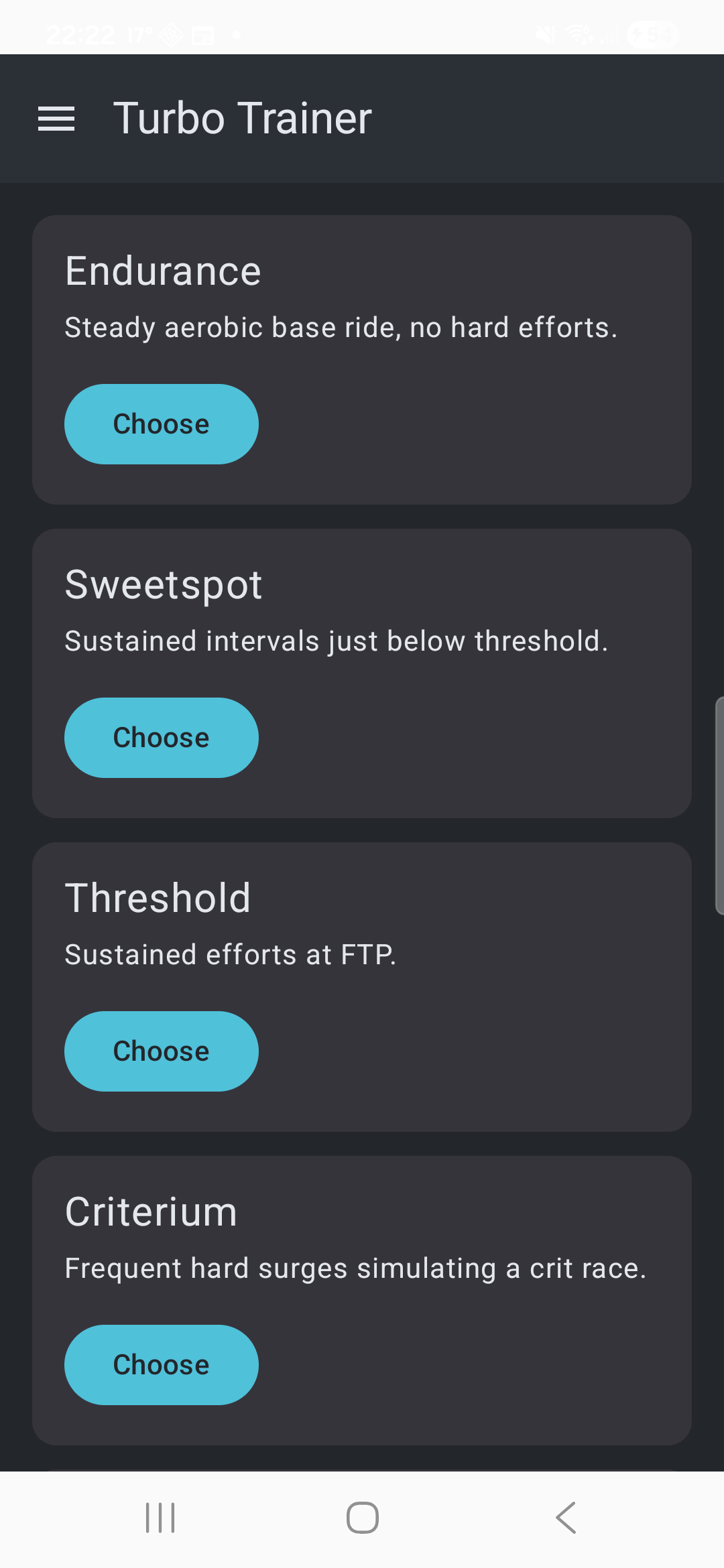
The workout library -
3. Connect your KICKR and heart rate strap
Tap Connect on both rows. Each session starts with a fresh Bluetooth scan — the app doesn't remember a device between rides yet.
-
4. Ride
Hit Start. Your KICKR's resistance changes automatically as the workout's intervals change — watch target vs. actual power, cadence, and heart rate live, with the whole workout's shape and your position in it at the bottom of the screen.
-
5. Finish
Let the workout run to completion and it's saved automatically. Stop early and you'll be asked whether to save what you did anyway.